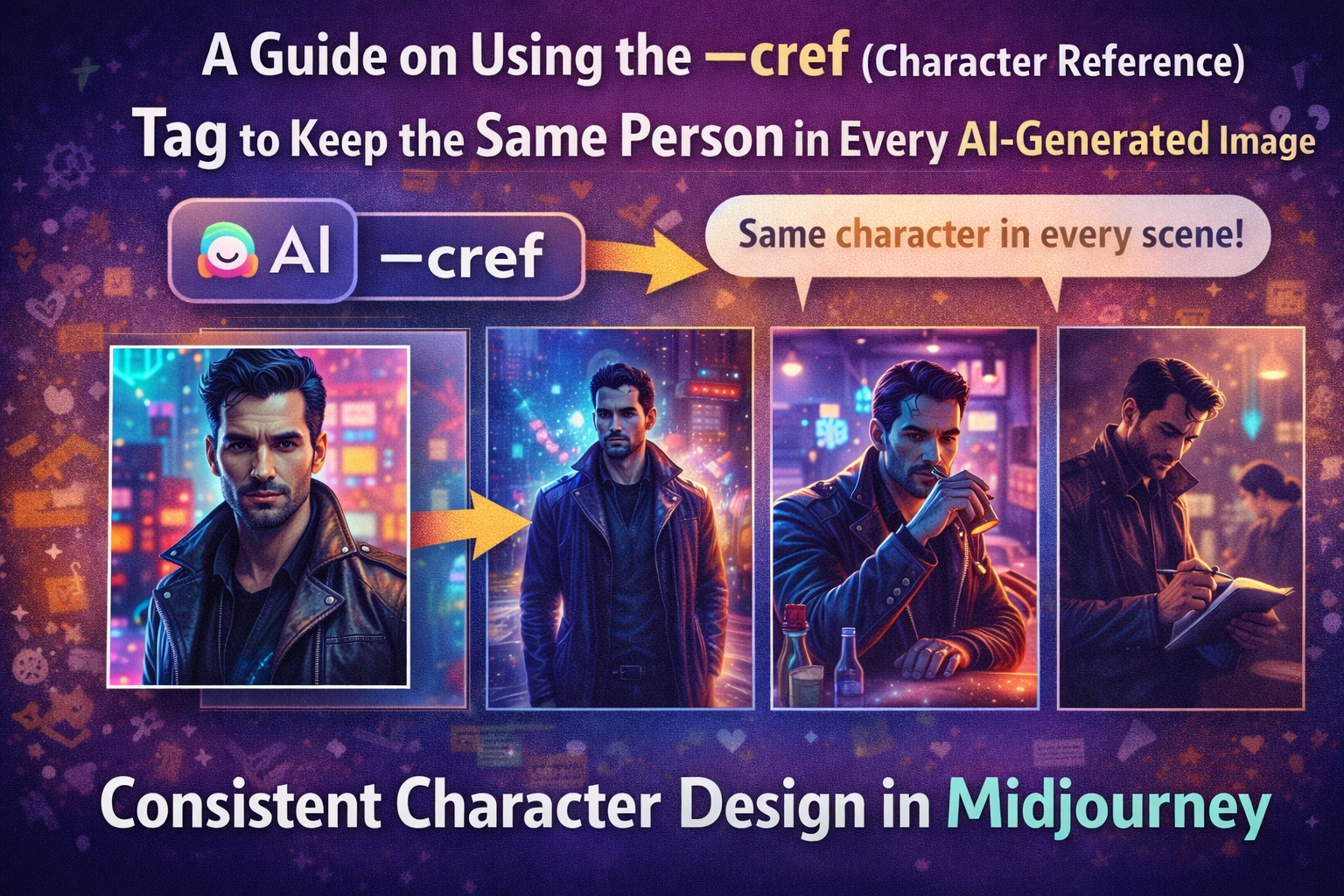
A few months ago, I tried building a simple visual story using Midjourney.
The idea sounded easy: create a recurring character and place them in different scenes. Walking through a neon-lit city. Sitting at a coffee shop. Investigating a crime scene. Classic storytelling stuff.
But after generating the first few images, something weird kept happening.
The character kept changing.
One image had a tall man with sharp cheekbones. The next showed someone with a different jawline, different eyes, sometimes even a different hairstyle. Same prompt. Same description. Completely different person.
If you’ve experimented with AI image tools long enough, you’ve probably seen this problem too.
Prompt descriptions alone rarely keep characters consistent.
That’s when I started experimenting with the --cref (Character Reference) tag, one of the most useful tools in Midjourney for maintaining Consistent Character Design in Midjourney.
Once I understood how it worked, everything changed. The same character could appear across multiple scenes without looking like a completely different person every time.
Let’s walk through how it works—and how you can use it in your own projects.
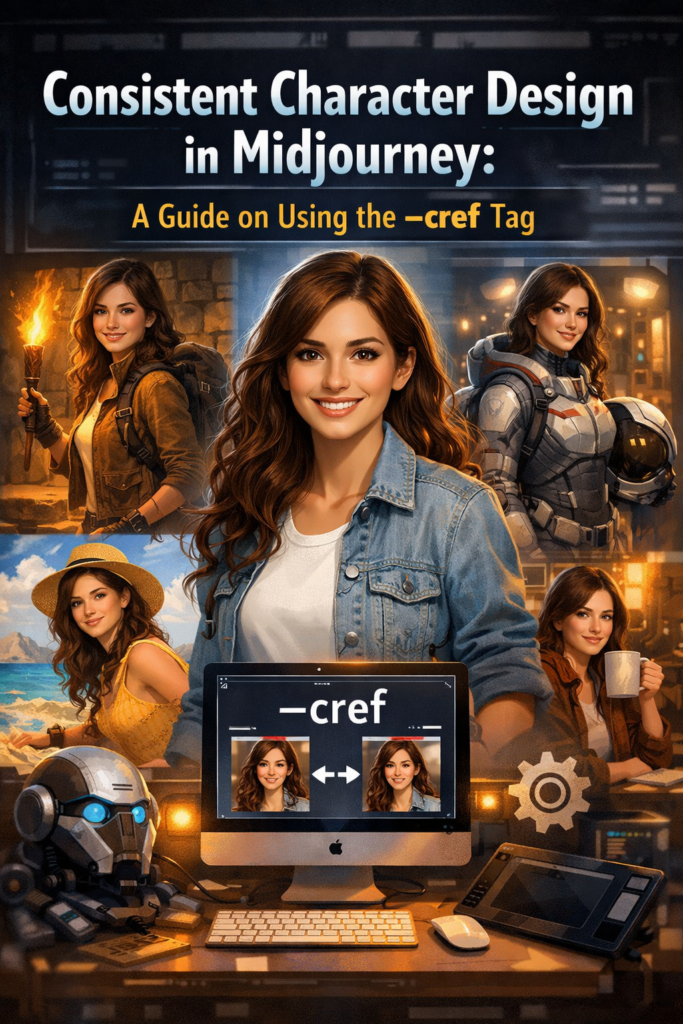
The Biggest Problem With AI Characters
AI image generators are incredibly good at creating beautiful visuals.
Consistency, though? That’s a different story.
When you describe a character using text prompts, the system interprets that description slightly differently each time.
For example, you might write:
“A young detective with dark hair and a leather jacket.”
The model understands the concept. But it doesn’t lock onto a specific identity.
So the results vary.
You might see:
- slightly different facial structures
- changes in hair texture
- variations in clothing details
- different body proportions
For single images, this isn’t a big deal.
But for creators working on:
- comics
- animation concepts
- YouTube storytelling visuals
- brand mascots
character inconsistency becomes a major problem.
This is exactly where Consistent Character Design in Midjourney becomes important.
Read Also: How to Take a DALL-E 3 Image and Turn It Into a High-Quality SVG
What the --cref Tag Actually Does
The --cref tag stands for Character Reference.
It allows you to anchor a new image generation to a specific reference image, helping Midjourney maintain the same character identity.
Instead of relying purely on text descriptions, the system compares new images with the visual features of the reference.
This includes:
- facial structure
- hairstyle
- overall character identity
- sometimes clothing and accessories
Think of it like telling Midjourney:
“Use this exact person as the character.”
Once you provide that reference, you can place the character in entirely new environments while preserving their identity.
Why Consistent Character Design Matters
When I started experimenting with AI storytelling, I quickly realized how important character consistency is.
Imagine reading a comic where the hero’s face changes in every panel.
It breaks immersion immediately.
Consistent characters are essential for:
- visual storytelling
- brand identity
- character-driven marketing
- AI-generated comics
Some of the creators who benefit most from this technique include:
- comic artists
- YouTube creators using AI visuals
- game concept designers
- brands building AI mascots
- digital storytellers
Consistency makes characters recognizable—and recognition is powerful.
How the --cref System Works in Midjourney
Under the hood, Midjourney analyzes the reference image you provide and extracts key visual patterns.
These patterns influence the generation of future images.
There are several parts working together.
Key Components
- Reference image URL – the visual anchor
- Prompt description – defines the new scene
- Style modifiers – control aesthetics
--creftag – activates character reference mode
The system then blends your prompt with the reference image to generate a new scene.
Your character remains the same.
The environment changes.
Prompt Methods Compared
| Feature | Prompt Description | Image Reference | --cref Tag |
|---|---|---|---|
| Character consistency | Low | Medium | High |
| Facial accuracy | Low | Medium | Strong |
| Style control | High | Medium | High |
| Best use case | basic prompts | style inspiration | recurring characters |
From my testing, using --cref consistently produces the strongest character continuity.
Step-by-Step: Using the --cref Tag in Midjourney
Here’s the workflow I usually follow.
Step 1: Generate Your Base Character
Start by creating the first version of your character.
For example:
portrait of a cyberpunk detective, dark hair, neon city lighting, cinematic lighting, ultra detailed
Once you get a version you like, save that image.
This becomes your character anchor.
Read Also: How to Use NotebookLM to Upload Your Own PDFs
Step 2: Upload the Image and Copy the URL
Midjourney requires the image URL for reference.
To get it:
- Open the generated image
- Copy the image link
- Use that link in your next prompt
This link becomes your character reference source.
Step 3: Add the --cref Tag
Now include the reference in your prompt.
Example structure:
cyberpunk detective walking through neon alley, rain, cinematic lighting --cref [image URL]
The --cref tag tells Midjourney to preserve the character identity.
Step 4: Generate Different Scenes
Once the reference is set, you can create entirely new situations.
For example:
- detective sitting in a bar
- detective examining evidence
- detective standing in the rain
Each image uses the same character face.
This is where the system really shines.
Step 5: Adjust Character Weight
Midjourney also includes an optional parameter called character weight (--cw).
This controls how strongly the system follows the reference image.
Higher weight means:
- stronger similarity
- stricter character identity
Lower weight allows more flexibility in interpretation.
Example: A Character Across Multiple Scenes
During one experiment, I created a cyberpunk detective character and placed them in several different scenarios.
First image:
- portrait under neon lights
Then I generated:
- walking through a rainy alley
- sitting at a futuristic bar
- examining clues at a crime scene
- riding a hover motorcycle
Without --cref, each image produced a slightly different face.
With --cref, the character remained recognizable across every scene.
It felt like directing a digital actor.
My Real Test With Character References
One of the most interesting projects I tested involved building a short AI-generated comic.
I needed the same character across eight panels.
Before using --cref, it was almost impossible. The character looked different every time.
Once I introduced the reference tag, the results improved immediately.
The facial structure stayed consistent.
The hairstyle remained recognizable.
Even subtle details—like the character’s expression—felt connected between scenes.
There were still small variations, but nothing that broke the illusion of continuity.
For storytelling workflows, that difference is huge.
Common Mistakes When Using --cref
After testing the system extensively, I noticed a few common mistakes.
These include:
- using blurry reference images
- mixing multiple characters in one reference
- adding too many conflicting style prompts
- switching art styles between scenes
These mistakes confuse the model and reduce consistency.
The fix is simple: start with a clean, clear reference image.
Pro Tip
Use a neutral portrait for your base character.
Before generating complex scenes, create a clean portrait image with:
- neutral lighting
- simple background
- front-facing angle
This helps Midjourney capture the character’s identity clearly.
Later scenes become far more consistent.
Advanced Tricks for Consistent Characters
Once you get comfortable with the basics, there are several techniques that improve results.
Some of my favorites include:
- combining
--crefwith cinematic style prompts - maintaining clothing descriptions across prompts
- building a reference library for recurring characters
- using pose variations to create dynamic scenes
With practice, you can create full character-driven image sets.
Who Should Use Character Reference Prompts
This technique is especially valuable for creators working with visual narratives.
For example:
- comic creators
- game concept artists
- YouTube storytellers
- marketing teams creating mascots
- AI illustrators
If your project includes recurring characters, character references make the process dramatically easier.
Why Consistent Characters Are the Future of AI Art
AI art tools are evolving quickly.
At first, the focus was on creating impressive single images.
Now the focus is shifting toward visual storytelling.
And storytelling requires consistency.
The ability to maintain Consistent Character Design in Midjourney opens new possibilities:
- AI comics
- animated storyboards
- branded characters
- long-form visual narratives
Once you start using --cref, it feels less like generating random images—and more like directing a digital cast of characters.
And for creators building stories, that shift changes everything.
