A few months ago, I noticed something interesting in my analytics.
One of my tutorial videos—nothing fancy, just a straightforward walkthrough—was getting views from countries I hadn’t even targeted. Brazil. Germany. India. Spain.
Great news, right?
Except the comments told a different story.
“Can you make this in Spanish?”
“Please add Portuguese voice.”
“I wish this was in Hindi.”
That’s when it hit me. My content had global demand, but the language barrier was killing engagement.
Recording the same tutorial five different times wasn’t realistic. Hiring voice actors? Too expensive and slow.
So I started testing two AI tools: HeyGen and Rask.ai.
What surprised me most was this: these tools didn’t just translate the script. They recreated my voice in other languages.
Same tone. Same pacing. Different language.
That’s when I realized something powerful was happening in creator workflows—something I now think of as Localizing Content at Scale.
Let me walk you through how it works.
The Problem With Global Video Content: Language Barriers
Here’s a reality most creators discover sooner or later.
The internet is global.
Your content usually isn’t.
A tutorial recorded in English might attract viewers from dozens of countries, but if those viewers can’t follow the narration comfortably, they leave.
Subtitles help—but they’re not perfect.
Many viewers prefer listening rather than reading. Especially during tutorials where they’re already focusing on the screen.
Before AI translation tools existed, creators had two options:
- record the video again in another language
- hire voice actors to dub it
Both approaches create problems.
Recording multiple versions takes time. Voice actors increase production costs. Editing multiple language versions quickly becomes messy.
This is exactly why Localizing Content at Scale matters.
Instead of manually recreating content, you translate one video into multiple languages automatically.
What “Localizing Content at Scale” Actually Means
Let’s clarify the term, because people often confuse translation with localization.
Translation converts text or speech from one language into another.
Localization goes further.
It adapts the content so it feels natural to viewers in that language.
With modern AI tools, this process can happen surprisingly fast.
One video becomes several.
For example:
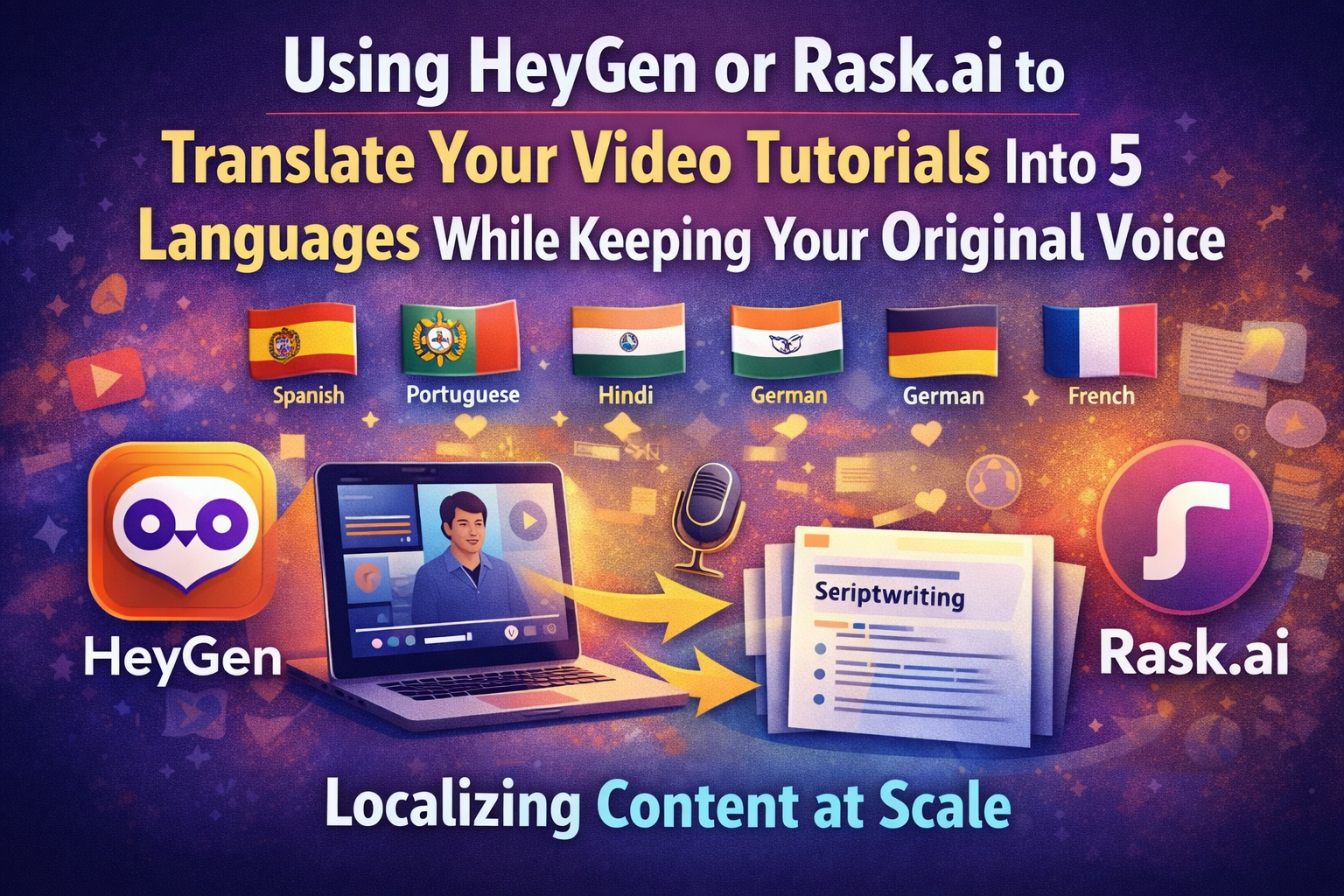
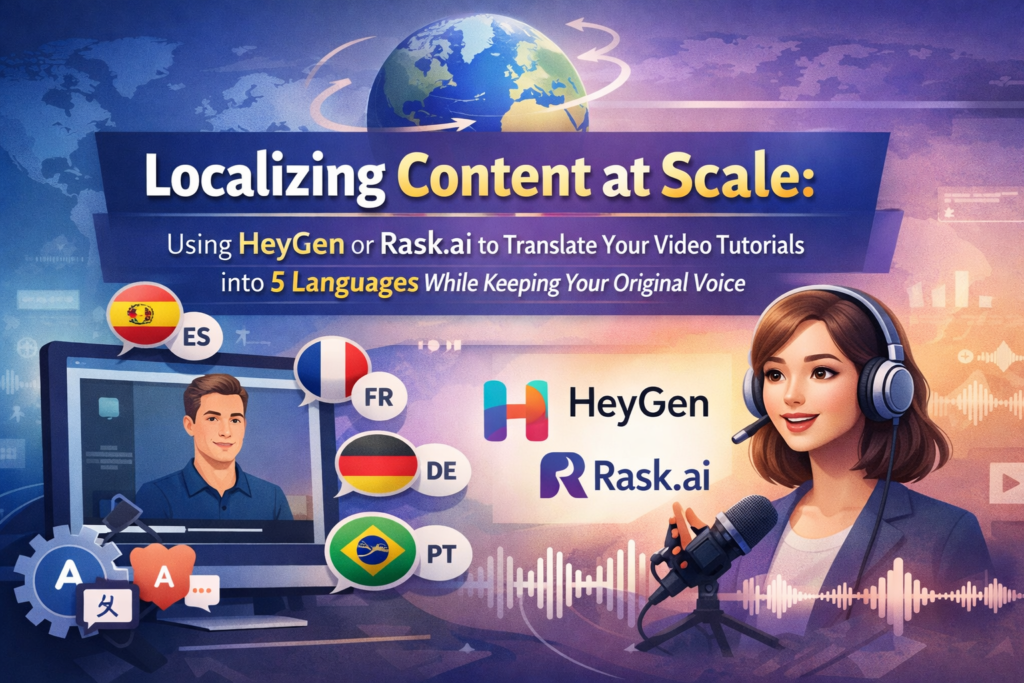
A single English tutorial can become versions in:
- Spanish
- Portuguese
- Hindi
- German
- French
And the voice still sounds like you.
That’s the key difference.
The AI doesn’t just generate a generic voice—it recreates your speaking style in another language.
For creators, that means:
- broader global reach
- higher watch time
- more subscribers from international audiences
All without recording new videos.
How AI Voice Translation Tools Work
When I first tested HeyGen and Rask.ai, I assumed the process would be complicated.
It wasn’t.
Most platforms follow a similar workflow.
Step 1: Speech Transcription
The AI analyzes your video and converts speech into text.
This creates a transcript of everything you said.
Step 2: Script Translation
The transcript is translated into the target language.
Modern translation models handle context much better than older systems.
Step 3: Voice Cloning
The system analyzes your voice patterns:
- tone
- pitch
- rhythm
- speaking style
Then it recreates those patterns in the new language.
Step 4: Voice Generation
The translated script is spoken using your cloned voice.
Step 5: Video Sync
Finally, the audio is synced back with the original video.
The result?
A translated tutorial that still sounds like you.
HeyGen vs Rask.ai: Which Tool Works Better?
After testing both tools on several tutorial videos, I noticed clear differences.
Each platform has its strengths.
What HeyGen Does Well
HeyGen is particularly impressive when it comes to visual presentation.
Features that stood out to me:
- strong voice cloning accuracy
- lip-sync technology that adjusts video frames
- a clean and beginner-friendly interface
- optional AI avatars for presentation videos
For YouTubers or course creators who care about visual realism, HeyGen performs very well.
Where Rask.ai Stands Out
Rask.ai takes a slightly different approach.
It focuses heavily on translation scale and automation.
What I liked about Rask.ai:
- strong translation quality
- support for a large number of languages
- batch processing for multiple videos
- subtitle export features
For creators managing large content libraries, this approach is extremely helpful.
Feature Comparison
| Feature | HeyGen | Rask.ai |
|---|---|---|
| Voice cloning | Excellent | Very Good |
| Lip sync | Yes | Limited |
| Language support | 40+ | 130+ |
| Batch video translation | Limited | Strong |
| Subtitle generation | Yes | Yes |
| Best for | Creator videos | Large content libraries |
Both tools are solid. Your choice usually depends on your workflow.
Step-by-Step: Translating One Tutorial Into Five Languages
Let’s walk through a typical workflow.
Step 1: Upload Your Original Video
Start with your completed tutorial.
Formats like MP4 or MOV work best.
The cleaner your original audio is, the better the translation results will be.
Step 2: Select Target Languages
Most creators begin with languages that have large online audiences.
A common set might include:
- Spanish
- Portuguese
- German
- Hindi
- French
This immediately opens your content to hundreds of millions of additional viewers.
Step 3: Generate the Translated Script
The AI translates your transcript automatically.
This step usually takes only a few minutes.
I still recommend reviewing the script for technical terminology before final export.
Step 4: Clone Your Voice in Each Language
Now the system recreates your voice in the selected languages.
This part feels slightly surreal the first time you hear it.
Your voice… speaking German or Spanish… even if you’ve never learned those languages.
Step 5: Export the Final Videos
Once the audio is generated, the platform syncs it to the video.
You can export multiple versions ready for:
- YouTube
- online courses
- social media tutorials
Example: Turning One Tutorial Into Five Global Versions
Imagine you created a tutorial titled:
“How to Build a WordPress Website.”
Using localization tools, that single video becomes:
- Spanish version for Latin America
- Portuguese version for Brazil
- German version for European audiences
- Hindi version for India
- French version for global French-speaking viewers
Instead of one audience, you now reach five.
Without recording the tutorial again.
My Real Test Translating a Tutorial
One of my experiments involved a 12-minute software tutorial.
I uploaded the video to both HeyGen and Rask.ai to compare results.
Here’s what I noticed.
HeyGen produced slightly better lip-sync accuracy, especially when the speaker appeared on screen.
Rask.ai handled multi-language translation faster, particularly when generating several versions at once.
The voice cloning in both tools was surprisingly convincing.
Not perfect. But close enough that most viewers probably wouldn’t notice.
Editing time was minimal.
Compared to manually recording new voiceovers, the time savings were dramatic.
Where AI Translation Still Needs Human Review
Despite the progress, AI translation isn’t flawless.
There are still a few areas where human oversight helps.
For example:
- idioms sometimes translate awkwardly
- technical terms may change meaning
- sentence pacing can require small adjustments
Fortunately, these issues are usually quick to fix.
A short script review before publishing solves most problems.
Pro Tip
Record your original tutorial with clear audio.
It sounds obvious, but it makes a huge difference.
Better input leads to better AI translation.
Helpful practices include:
- using a good microphone
- avoiding background noise
- speaking slightly slower than usual
Clean audio improves transcription accuracy, which improves translation quality.
Common Mistakes When Translating Video Tutorials
I’ve seen creators make a few predictable mistakes.
- relying only on subtitles instead of voice translation
- skipping script review after translation
- ignoring cultural differences in examples
- publishing poorly synced audio
Fixing these issues usually takes just a few minutes of review.
But it dramatically improves the final result.
Who Should Use AI Video Localization
This workflow works particularly well for:
- YouTube tutorial creators
- online course instructors
- SaaS companies publishing product guides
- education channels
- technology explainer channels
If your content teaches something useful, chances are there’s an international audience waiting for it.
Why AI Translation Is Changing Global Content Distribution
Not long ago, translating videos into multiple languages required entire production teams.
Now it can happen in an afternoon.
Creators can reach audiences across continents without rebuilding their content from scratch.
That’s why Localizing Content at Scale is quickly becoming part of modern content strategy.
And for anyone publishing tutorials online, tools like HeyGen and Rask.ai make that strategy surprisingly accessible.
