Remote meetings are supposed to make work easier. Sometimes they do. Other times… they multiply.
A few months ago, I counted how many meetings I had in a single week while managing a distributed product team. Sprint planning, client calls, internal reviews, quick standups. By Friday afternoon, my brain felt like a messy notebook full of half-written thoughts.
And the real problem wasn’t the meetings themselves.
It was the notes.
During every call I found myself doing the same awkward dance: listening carefully while trying to type everything down. Miss a sentence and suddenly you’ve lost context. Focus too much on typing and you miss an important decision.
Eventually I realized something obvious. Project managers shouldn’t spend half their attention acting as human transcription machines.
So I started testing tools designed for automating meeting notes.
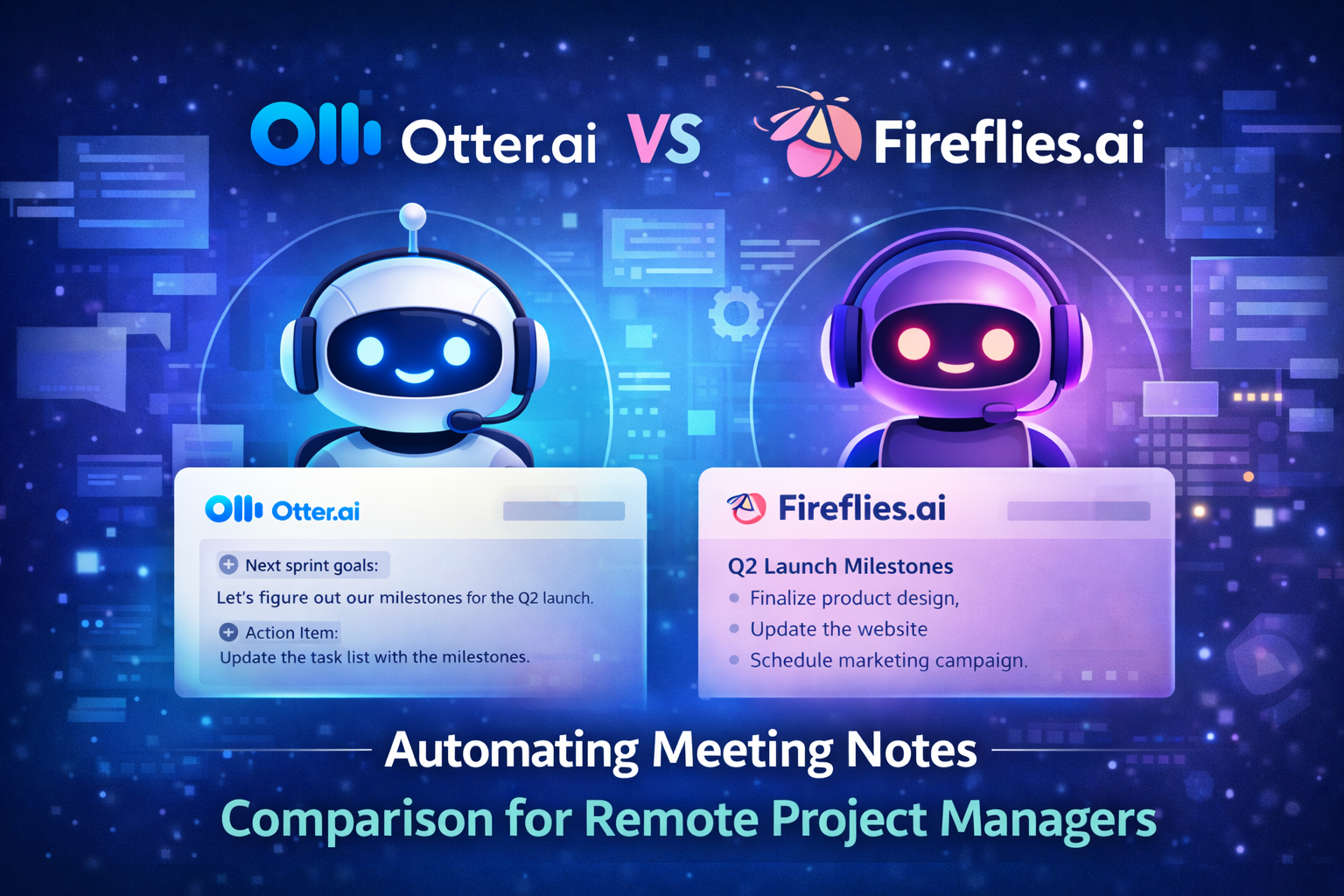
Two tools kept showing up in recommendations: Otter.ai and Fireflies.ai. Both promise AI-generated transcripts, summaries, and searchable meeting archives. But after using them across several real meetings, I noticed they serve slightly different types of teams.
This isn’t a generic software review. I tested both tools during real project meetings to see how they perform for remote project managers.
Here’s what I learned.
Why Remote Project Managers Struggle With Meeting Notes
Meetings are only half the job.
The real work often begins after the call ends.
The Hidden Work After Every Meeting
If you manage remote projects, you probably recognize this routine:
- write meeting summaries
- identify action items
- update project boards
- send recap messages to team members
- track decisions made during discussions
Each step is small. Together they add up quickly.
During busy weeks I realized I was spending several hours just organizing meeting information.
Not ideal.
Why Manual Notes Break Down
Manual note-taking has several problems.
First, it divides your attention.
You’re trying to listen carefully while typing quickly. That usually leads to incomplete notes.
Second, human notes are inconsistent.
Some meetings get detailed summaries. Others get two rushed bullet points.
Third, information gets lost.
Someone asks three weeks later, “What did we decide about the release schedule?” and suddenly everyone starts digging through Slack threads.
Where AI Meeting Assistants Help
This is where AI meeting tools change the workflow.
Instead of writing notes yourself, the software handles tasks like:
- recording conversations
- generating transcripts
- summarizing discussions
- identifying action items
- creating searchable archives
That means you can focus on the conversation instead of documenting it.
What “Automating Meeting Notes” Actually Means
The phrase sounds fancy, but the concept is simple.
Automation removes the manual work involved in documenting meetings.
Traditional Meeting Documentation
Without AI tools, the process usually looks like this:
- Meeting happens
- Someone takes notes
- Notes are summarized
- Summary is shared with the team
Every step requires human effort.
And humans are inconsistent when they’re tired or rushed.
AI-Powered Meeting Notes
With AI assistants, the workflow changes.
- Meeting begins
- AI assistant joins the call
- Conversation is transcribed automatically
- AI generates summary and highlights
- Notes are shared instantly
The biggest difference is consistency.
Every meeting receives structured documentation.
For remote teams, that becomes incredibly valuable over time.
Otter.ai vs Fireflies.ai — Quick Overview
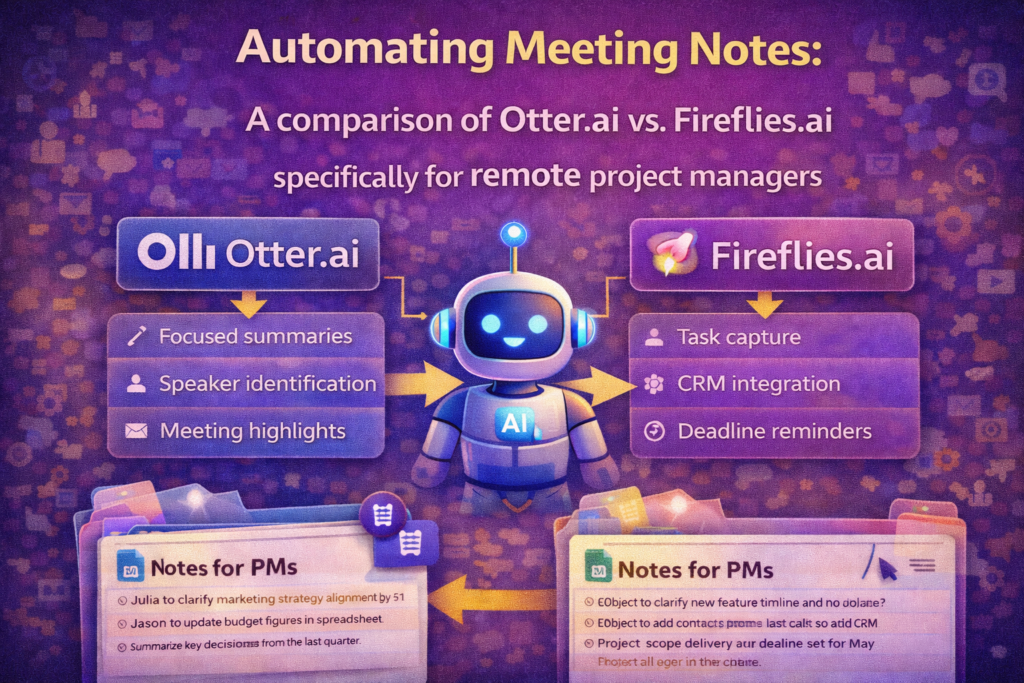
Both tools aim to automate meeting documentation. But they focus on slightly different strengths.
Otter.ai Overview
Otter.ai has been around longer and built its reputation around high-quality transcription.
Its main features include:
- real-time transcription during meetings
- automatic meeting summaries
- speaker identification
- searchable transcripts
The interface is simple. Almost minimal.
If your main goal is accurate transcripts and easy meeting notes, Otter does the job well.
Fireflies.ai Overview
Fireflies.ai takes a slightly broader approach.
Instead of focusing only on transcription, it emphasizes meeting intelligence.
Features include:
- meeting transcription and summaries
- automatic highlight detection
- action item extraction
- CRM integrations
- conversation analytics
In short, Fireflies tries to turn meetings into structured data.
Feature Comparison
| Feature | Otter.ai | Fireflies.ai |
|---|---|---|
| Live transcription | Excellent | Very good |
| AI summaries | Good | Very good |
| Meeting integrations | Basic | Extensive |
| Collaboration tools | Moderate | Strong |
| Search & analytics | Basic | Advanced |
| Best for | Simple transcription | Meeting intelligence |
Both tools work well. But their priorities are different.
My Testing Setup (Real Project Manager Scenario)
I didn’t want a theoretical comparison.
So I tested both tools in real project meetings over a few weeks.
Our team environment looked like this:
- remote product team across three time zones
- weekly sprint planning sessions
- client feedback meetings
- internal roadmap discussions
Meetings happened primarily on:
- Zoom
- Google Meet
I used Otter and Fireflies separately across different calls to see how each handled:
- transcription accuracy
- summaries
- action items
- sharing notes with team members
The differences became clear quickly.
Otter.ai — What I Liked and What Frustrated Me
Otter.ai feels like a transcription tool first and a meeting assistant second.
For many project managers, that’s actually a good thing.
Where Otter.ai Performs Best
Several things stood out immediately.
- real-time transcription is extremely fast
- speaker identification works surprisingly well
- transcripts update live during meetings
- summaries appear quickly after calls
During sprint meetings, I could watch the conversation appear on screen almost instantly.
This made it easy to revisit something someone said earlier in the discussion.
Otter also does a good job highlighting key moments automatically.
Where Otter.ai Falls Short
The limitations appear when you want deeper automation.
For example:
- integrations are somewhat limited
- task extraction isn’t always reliable
- fewer analytics features exist
If your goal is simply recording and summarizing meetings, Otter works great.
But if you want deeper insights from conversations, it feels slightly basic.
Fireflies.ai — Strengths and Weaknesses
Fireflies.ai approaches meetings differently.
Instead of just recording them, it tries to analyze conversations.
Where Fireflies.ai Excels
Fireflies shines in several areas.
- automatic meeting highlights
- strong integrations with CRM and productivity tools
- action item detection
- powerful search across conversations
One feature I appreciated was the ability to search for topics across multiple meetings.
If someone mentioned “launch timeline” weeks earlier, I could find that discussion instantly.
For project managers tracking long-running projects, this is extremely helpful.
Downsides I Noticed
The trade-off is complexity.
Compared with Otter, Fireflies requires slightly more setup.
A few issues stood out:
- transcripts sometimes appeared slower
- interface contains more features than some teams need
- onboarding takes longer
None of these are deal breakers, but they make the tool feel heavier.
Side-by-Side Workflow Comparison
To understand the difference, it helps to compare how each tool behaves during a real meeting cycle.
Typical Workflow
- Meeting begins
- AI assistant joins automatically
- Conversation is recorded and transcribed
- AI summary is generated
- Notes are shared with the team
Both tools follow this structure.
The difference appears in what happens after the meeting.
Otter focuses on clean transcripts and simple summaries.
Fireflies focuses on extracting insights from conversations.
Which Tool Is Better for Remote Project Managers?
The answer depends on your workflow.
Choose Otter.ai If You Want
- simple meeting transcription
- quick setup
- minimal learning curve
- fast summaries
Otter works well for teams that just need reliable notes.
Choose Fireflies.ai If You Need
- deeper meeting insights
- CRM integrations
- action item tracking
- searchable meeting intelligence
Fireflies works better for teams that want meetings to become structured knowledge.
Real-World Scenario: How AI Meeting Notes Saved My Team Hours
After testing these tools for several weeks, something interesting happened.
Our meetings didn’t get shorter.
But the admin work around meetings disappeared.
Instead of writing summaries manually, the team simply reviewed AI-generated notes.
When someone missed a meeting, they could read the transcript or summary instead of asking for a recap.
Project documentation became far more consistent.
For distributed teams, that consistency is incredibly valuable.
Common Mistakes Teams Make When Using AI Meeting Tools
Even good automation tools require good habits.
Here are mistakes I’ve seen teams make.
- trusting transcripts without reviewing them
- ignoring generated action items
- failing to organize meeting archives
- forgetting to share summaries with stakeholders
AI helps with documentation, but teams still need clear workflows.
Pro-Tip
Create a shared meeting knowledge base.
Instead of treating transcripts as temporary notes, store them in a searchable repository.
Over time this becomes a powerful archive containing:
- project decisions
- past discussions
- product insights
- client feedback
New team members can review historical meetings and understand project context quickly.
It’s like building a company memory system automatically.
Final Thoughts: The Future of Meeting Documentation
Meetings generate an enormous amount of information.
For years that information disappeared into scattered notes and forgotten recordings.
AI meeting assistants are changing that.
Tools like Otter.ai and Fireflies.ai make it possible to capture conversations automatically and turn them into structured knowledge.
For remote project managers juggling multiple discussions every week, that’s a meaningful shift.
Less note-taking.
Better documentation.
More focus on the actual conversation.
And honestly, that’s exactly how meetings should work.
