A few months ago, I noticed something frustrating about my calendar.
It looked full. Which sounds great—until you realize most of those meetings weren’t going anywhere.
I run several consulting and digital projects, and people often book “quick discovery calls.” At first I thought this was a good sign. More interest equals more opportunities, right?
Not exactly.
Some prospects had no budget.
Others were just curious.
A few weren’t even decision-makers.
After a while I realized something uncomfortable: I was spending hours every week talking to people who were never going to become clients.
That’s when I started experimenting with AI for lead qualification.
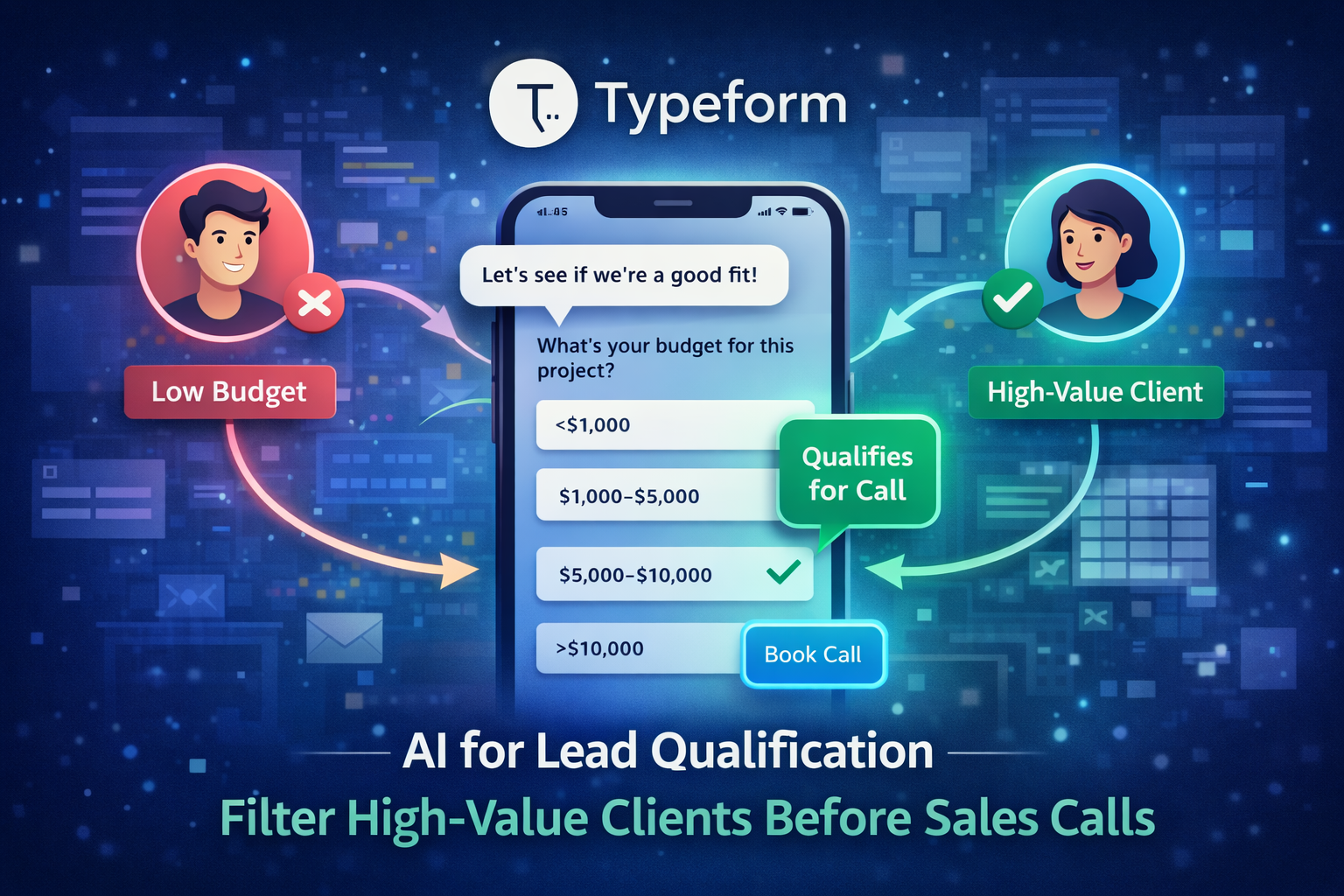
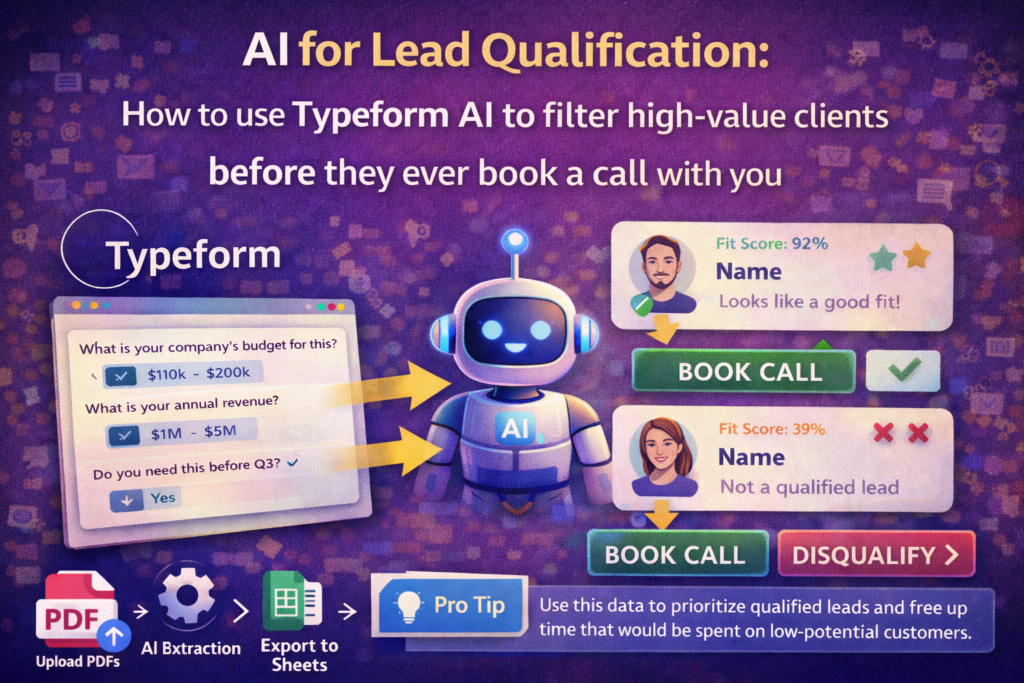
Instead of letting anyone book a call immediately, I built a short Typeform AI qualification form that screens prospects first. The form asks a few smart questions, evaluates the responses, and only shows my scheduling link to leads that match certain criteria.
The result? Fewer meetings. Better conversations. Higher conversion rates.
If you sell consulting, services, or high-ticket products, this approach can dramatically improve how you manage incoming leads.
Let’s break down how it works.
The Real Problem with Sales Calls Nobody Talks About
Most people assume sales calls are always valuable.
In reality, a large percentage are simply misaligned conversations.
The Hidden Cost of Unqualified Leads
Here’s what typically happens when qualification is missing:
- people book calls just to “explore ideas”
- prospects with tiny budgets want enterprise solutions
- junior employees schedule meetings without decision authority
- conversations repeat the same introductory questions
I remember one week when I had six discovery calls scheduled back-to-back.
Only one of them turned into a real opportunity.
The rest? Nice people. Interesting conversations. But zero business outcome.
Multiply that by months and you start noticing the lost time.
Why Traditional Lead Forms Fail
Many businesses still rely on basic contact forms.
You’ve seen them everywhere:
- Name
- Message
That’s it.
The problem is obvious: every lead looks identical.
There’s no context about their budget, urgency, or goals. Which means sales teams spend valuable time discovering basic information during calls instead of before them.
That’s where AI-assisted qualification changes the game.
What “AI for Lead Qualification” Actually Means
At its core, AI for lead qualification is simply using automation to evaluate prospects before a sales conversation happens.
Instead of waiting until a call to determine if someone is a good fit, the system gathers that information automatically.
Traditional Lead Qualification
The traditional process looks something like this:
- Visitor fills contact form
- Sales team receives email notification
- Meeting is scheduled
- Qualification happens during the call
This approach works—but it wastes time.
Every prospect receives the same access to your calendar regardless of whether they are a good match.
AI-Assisted Qualification
With AI-assisted systems, the process becomes smarter.
The workflow typically looks like this:
- Visitor fills conversational form
- AI analyzes answers
- System categorizes the lead
- Only qualified leads get booking access
This subtle change dramatically improves efficiency.
Instead of acting like a receptionist, your form behaves like a pre-screening assistant.
How Typeform AI Fits into the Process
Typeform has always focused on conversational forms, but its newer AI features take things further.
Typeform AI can:
- generate question flows automatically
- suggest follow-up questions
- organize responses into structured insights
- integrate with scheduling tools and CRMs
In short, it turns a simple form into a smart qualification funnel.
Why Typeform AI Works Well for Lead Qualification
After testing several tools, I found Typeform particularly effective for this use case.
The biggest reason is simple: people actually finish the form.
Traditional forms feel like paperwork. Typeform feels more like a conversation.
Key Advantages
Here’s what stood out during my testing:
- conversational interface improves completion rates
- conditional logic allows dynamic questions
- AI can generate relevant question structures
- integrations with booking and CRM tools are straightforward
- responses feel more natural than rigid forms
This combination makes it ideal for filtering prospects.
Feature Comparison
| Feature | Typeform AI | Traditional Forms | Google Forms |
|---|---|---|---|
| Conversational UX | Yes | No | No |
| Conditional logic | Advanced | Limited | Basic |
| AI assistance | Yes | No | No |
| Lead qualification scoring | Possible | Rare | No |
| CRM integrations | Strong | Moderate | Basic |
When your goal is screening prospects effectively, experience matters.
If a form feels tedious, many people abandon it halfway through. Conversational design keeps engagement high.
Step 1 — Designing a Lead Qualification Strategy
Before opening Typeform, there’s one important step.
You need to decide what makes a good lead.
Without this clarity, even the smartest AI form won’t help.
Questions That Identify High-Value Leads
I started by identifying a few signals that matter for my services.
Examples include:
- company size
- project timeline
- available budget
- industry alignment
- decision authority
These factors reveal whether someone is realistically ready to work together.
For example, a startup founder planning a launch in two months is very different from someone exploring ideas for “sometime next year.”
Mistakes to Avoid
When designing qualification questions, avoid these common errors:
- asking too many questions upfront
- vague questions like “tell me about your project”
- skipping budget discussions
- ignoring timelines
- failing to define your ideal client
Remember, the goal isn’t to interrogate prospects. It’s to quickly determine fit.
Step 2 — Creating an AI-Powered Typeform
Once the qualification strategy is clear, building the form is surprisingly simple.
Steps to Build the Form
Here’s the basic workflow I followed:
- Create a Typeform account
- Start a new form using the AI builder
- Describe your business and target clients
- Let AI generate a first version of the form
The AI builder is helpful here. It produces a structured set of questions based on your description.
Of course, the first draft isn’t perfect. You’ll want to refine it.
Customizing the Questions
Here are a few examples of qualification questions that worked well for me:
- “What is your estimated project budget?”
- “When are you planning to begin this project?”
- “What result are you hoping to achieve?”
- “Who will be responsible for final approval?”
These questions reveal serious buyers quickly.
Someone investing real money usually provides thoughtful answers. Casual browsers rarely do.
Step 3 — Adding Conditional Logic to Filter Leads
This is where the system becomes powerful.
Conditional logic allows the form to respond differently depending on answers.
Example Qualification Logic
Let’s say your minimum project budget is $5,000.
The logic could look like this:
- If budget < $5,000 → show helpful resources instead of booking link
- If budget ≥ $5,000 → show scheduling option
From the user’s perspective, the experience feels seamless.
From your perspective, it filters out mismatched prospects automatically.
Why This Matters
When implemented correctly, this approach provides several benefits:
- low-value inquiries are filtered early
- serious prospects reach your calendar faster
- conversations become more focused
Instead of explaining basic requirements repeatedly, you begin each call with context already established.
Step 4 — Connecting the Form to Your Booking Calendar
The final step is linking your qualified leads to your scheduling system.
Tools You Can Connect
Typeform integrates easily with tools like:
- Calendly
- Google Calendar
- CRM platforms
- email automation systems
Example Workflow
A typical workflow looks like this:
- Prospect fills Typeform qualification form
- Conditional logic evaluates responses
- Qualified leads see a booking link
- Data is stored in CRM or spreadsheet
This small automation creates a powerful lead funnel.
By the time someone books a call, you already know their situation.
Real-World Scenario: How I Reduced Sales Calls by 40%
After launching my Typeform qualification system, I noticed something interesting within the first month.
The number of booked calls dropped slightly.
At first that seemed like bad news.
Then I looked closer.
The quality of calls improved dramatically.
Previously, I might have ten discovery calls per week. After adding the qualification form, I averaged six.
But those six conversations were far more productive.
Prospects arrived with clear goals, realistic budgets, and actual decision authority.
Conversion rates improved. Sales conversations became shorter and more focused.
Ironically, fewer calls produced better results.
Common Mistakes When Using AI for Lead Qualification
Like any automation, this system works best when implemented carefully.
Here are mistakes I’ve seen people make.
- qualifying too aggressively and blocking good prospects
- making the form too long
- asking sensitive financial questions too early
- ignoring user experience
- forgetting to review responses regularly
Automation should help conversations, not replace them entirely.
Pro-Tip
Ask one open-ended question near the end of the form.
Something like:
“What outcome would make this project successful for you?”
This question reveals a lot.
Serious prospects tend to write thoughtful responses describing specific goals. Casual inquiries often leave short or vague answers.
Those responses become incredibly useful before a call even begins.
Final Thoughts: Smarter Lead Qualification Without Sales Burnout
Sales conversations are valuable.
But your time is even more valuable.
Using AI for lead qualification allows you to protect your calendar while still welcoming serious prospects.
Instead of reacting to every inquiry manually, you create a structured pathway that filters leads intelligently.
And the best part?
You don’t need complex software or engineering resources.
Sometimes a well-designed form—powered by a bit of AI—is enough to transform how you manage incoming opportunities.
