The Day I Realized 80% of Customer Questions Were the Same
A few months ago, I noticed something frustrating.
Every morning my inbox looked identical.
“What’s your refund policy?”
“Do you offer monthly billing?”
“How do I cancel?”
Different people. Same questions. Again and again.
At first I answered them manually. That felt manageable. Then traffic grew, and suddenly customer support started eating hours of my day. Not because the questions were hard — but because they were repetitive.
So I ran a small experiment.
I tested a couple of AI support tools — Chatbase and Intercom Fin — to see if they could handle common customer questions automatically. The goal wasn’t to replace support entirely. I wanted something simpler: a digital receptionist that answers basic questions before a human steps in.
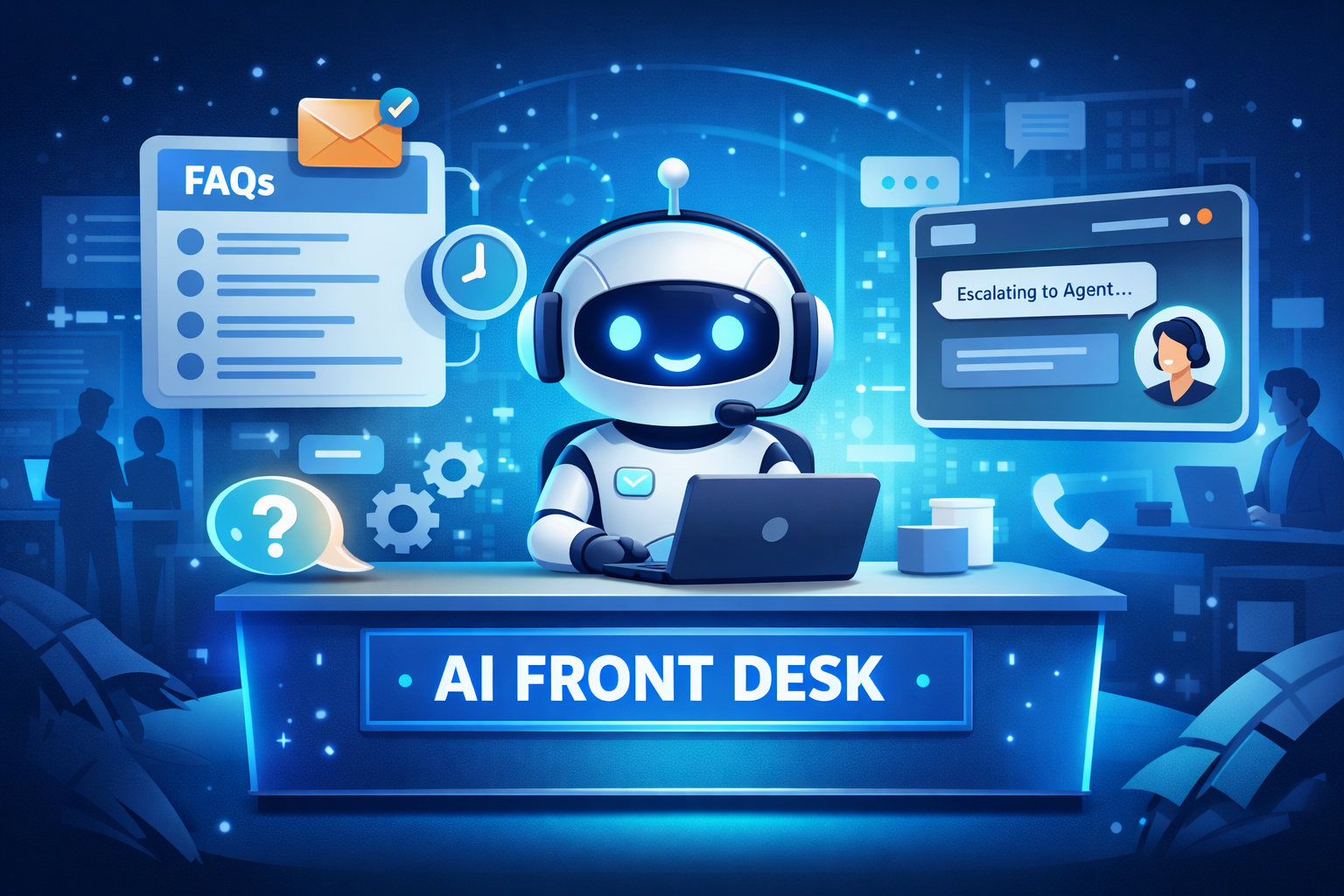
Think of it like a front desk at a hotel.
When guests walk in, the receptionist handles the simple stuff — directions, check-ins, quick questions. Only complex issues go to the manager.
That’s exactly what an AI Front Desk does for your website.
And the good news? You can build one in less than an afternoon.
Let me show you how.
What an “AI Front Desk” Actually Means
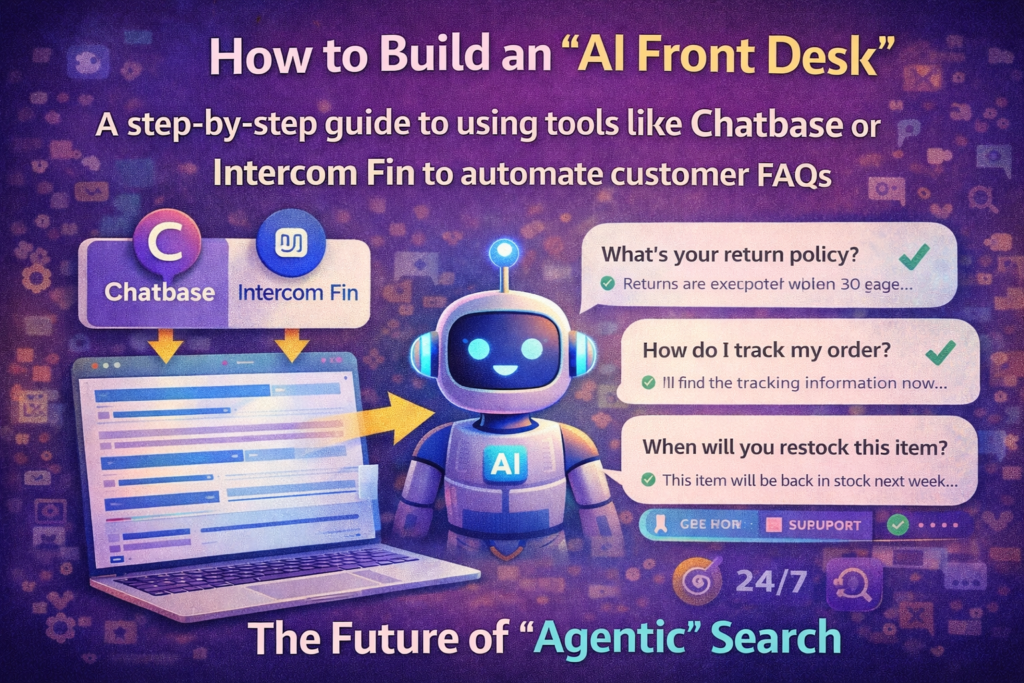
An AI Front Desk is a chatbot trained on your company’s information so it can answer customer questions automatically.
It doesn’t guess answers. It pulls responses directly from your documentation, FAQs, policies, and website pages.
When it works well, customers get instant answers without waiting for a support agent.
The Problem It Solves
Most businesses underestimate how repetitive customer support actually is.
After reviewing a few hundred support emails, I noticed a pattern: about 70–80% of questions were identical.
Things like:
- pricing details
- refund policies
- shipping timelines
- login problems
- subscription cancellations
These questions aren’t complicated. But answering them repeatedly drains time.
And delays matter. If someone waits six hours for a response, they might leave your site entirely.
That’s where automation helps.
What an AI Front Desk Actually Does
A properly trained AI support bot can handle a surprising number of tasks:
- Instantly answer common FAQs
- Provide links to relevant documentation
- Guide customers through simple processes
- Route complex issues to human agents
- Respond 24/7 without downtime
In other words, it filters the easy stuff so your team can focus on real problems.
Who Should Use It
You don’t need to run a huge company to benefit from this.
AI front desks are particularly useful for:
- SaaS startups
- E-commerce stores
- online course creators
- marketing agencies
- small support teams
If your inbox is full of repeat questions, automation quickly pays for itself.
Read Also: The No-Code AI Workflow
Chatbase vs Intercom Fin — Which One Should You Choose?
I spent a few weeks testing both platforms because they approach AI support differently.
Chatbase is fast and simple. Intercom Fin is more advanced but also more complex.
Here’s a quick comparison.
| Feature | Chatbase | Intercom Fin |
|---|---|---|
| Best for | Startups & small teams | Larger SaaS companies |
| Setup difficulty | Very easy | Moderate |
| Training data | Website, PDFs, docs | Help center + documentation |
| Human handoff | Basic | Advanced |
| Pricing | Lower entry cost | Premium tier pricing |
When Chatbase Is the Better Choice
Chatbase is perfect when you want speed and simplicity.
During my test, I connected it to a documentation site and had a working chatbot in about ten minutes.
It works best if you:
- run a startup
- manage a blog or SaaS site
- want a quick FAQ assistant
- don’t need complex support workflows
When Intercom Fin Makes More Sense
Intercom Fin is built for companies already using Intercom.
Its biggest advantage is deep integration with customer support systems.
It can:
- analyze conversation context
- escalate complex issues to agents
- track support analytics
- integrate with CRM data
If your support team is already using Intercom, Fin fits naturally into the workflow.
But if you’re just getting started, Chatbase is usually the easier entry point.
Read Also: How I Extracted Data from 100+ PDFs in Seconds
Step 1 — Collect Your FAQ Knowledge Base
Before training any AI support system, you need something important.
Information.
AI support tools don’t magically know your business policies. They learn from the materials you provide.
When I built my first chatbot, I assumed my FAQ page was enough.
It wasn’t.
The best answers were hiding somewhere else — inside old support emails.
Sources You Should Gather
Before creating your AI front desk, collect information from:
- help center articles
- website pages
- product documentation
- refund or shipping policies
- onboarding guides
- old customer support tickets
- internal knowledge documents
Support tickets are particularly valuable because they contain real customer language.
That means the AI learns how people actually ask questions.
After compiling everything into a knowledge base, you’re ready to train the bot.
Step 2 — Training Your AI with Chatbase
Chatbase was the first platform I tested because setup is extremely quick.
Creating Your Chatbase Bot
The process looks like this:
- Create a Chatbase account
- Click Create New Chatbot
- Upload your knowledge sources
- Train the AI
That’s basically it.
The platform automatically reads and indexes your content.
Training Data Options
Chatbase allows several training formats:
- Website URLs
- PDF files
- Google Docs
- Notion pages
- plain text documents
I connected it directly to a documentation website.
Within minutes, the AI was able to answer questions based on those pages.
Testing Responses
Once the bot is trained, you should test it like a real customer.
I tried prompts like:
- “How do I cancel my subscription?”
- “What payment methods do you accept?”
- “Can I upgrade my plan later?”
The answers were surprisingly accurate.
Not perfect — occasionally it gave slightly long responses — but the core information was correct.
Which is exactly what a front desk assistant should do.
Step 3 — Setting Up Intercom Fin for Support Automation
Intercom Fin works differently because it integrates directly with your help center.
Instead of uploading random documents, you connect it to your existing support content.
Connecting Your Help Center
The setup process usually involves:
- Linking your help center or knowledge base
- Syncing support articles
- Activating Fin AI assistant
- Defining support workflows
Once connected, Fin uses those articles to answer questions.
Smart Escalation to Human Agents
One thing I appreciated about Intercom Fin is how it handles complicated issues.
If the AI detects confusion or missing information, it automatically hands the conversation to a human support agent.
Even better — the conversation history stays intact.
So your support team sees exactly what the customer already asked.
This saves a lot of back-and-forth.
Step 4 — Designing the AI Conversation Flow
A chatbot shouldn’t just sit on your site waiting silently.
It needs structure.
Key Elements to Configure
When designing your AI front desk, configure these pieces carefully:
- greeting message
- suggested questions
- escalation triggers
- fallback responses
- contact form options
For example, a greeting might look like this:
“Hi there — I can help with pricing, refunds, or account setup. What do you need today?”
This guides users toward the most common questions.
And that dramatically improves response accuracy.
Step 5 — Embedding Your AI Front Desk on Your Website
Once the bot works properly, it’s time to deploy it.
Most platforms offer multiple ways to install the chatbot.
Deployment Options
Common options include:
- Website chat widget
- Landing page support assistant
- internal team assistant in Slack
- mobile app support bot
For most businesses, the website widget is the best starting point.
It appears in the bottom corner of your site and activates when visitors need help.
Within a few days of launching mine, something interesting happened.
Support emails dropped.
Real-World Scenario: How an AI Front Desk Reduced Support Tickets by 60%
During the first week of testing, I monitored incoming support requests closely.
Before automation:
- around 40 support emails per day
After deploying the AI assistant:
- 15–18 emails per day
The missing emails didn’t disappear. They were simply handled instantly by the chatbot.
Customers got answers within seconds instead of hours.
That alone improved the experience.
But there was another unexpected benefit.
Support agents finally had time to handle complicated problems properly.
And that improved satisfaction far more than I expected.
Common Mistakes When Building an AI Support Bot
After experimenting with several setups, I noticed some common mistakes.
Avoid these if you want your AI front desk to work well.
- feeding the AI poor training data
- skipping response testing
- automating sensitive issues like billing disputes
- failing to provide human escalation
- launching the bot without monitoring conversations
The best AI assistants are supervised constantly.
You should review conversations regularly and refine the training data.
Pro-Tip
Train your bot using real customer conversations.
Most companies only upload documentation. That’s helpful, but it misses something important: how customers phrase questions.
Support tickets reveal natural language patterns.
When the AI learns from those conversations, accuracy improves dramatically.
Final Thoughts: Is an AI Front Desk Worth It?
If you’re drowning in repetitive customer questions, an AI front desk can be a huge relief.
It won’t replace your support team.
But it can eliminate the endless stream of simple FAQs that slow everyone down.
For small teams especially, that time savings is huge.
And the setup process — surprisingly — isn’t complicated.
Start with a basic FAQ bot. Train it using your documentation and support history. Test it carefully.
Within a week, you might find your inbox looking a lot quieter.
Which, honestly, is the whole point.
